OnBinder

SAVE Plan borrowers must select a new repayment plan within 90 days of the individualized transition notice date from their loan servicer. Prepare the notice, loan list, and income information. Compare eligibility and estimated amounts on StudentAid.gov, submit an application, and then confirm the receipt and first billing date.
Based on transition notices beginning to be sent on July 1, 2026
How to Confirm the 90-Day Deadline
The 90-day period does not end on the same date for every borrower. The starting point is the individualized notice date provided by each servicer. Notices began to be sent sequentially starting July 1, 2026. Accordingly, the first deadlines begin in late September 2026.
Check all of the following locations.
- Emails sent by the servicer
- The transition notice received by mail
- The message center in the servicer’s online account
- The submission deadline shown directly on the notice
Do not assume that the date you read the email is the date the period begins. It may also differ from the date you actually received the mail. If the notice includes a deadline, follow that date. If the dates conflict, ask the servicer for written confirmation.
The applicable rules can be found in the U.S. Department of Education’s announcement on follow-up actions for SAVE borrowers and Federal Student Aid’s IDR FAQ. No reconstructed quotations without official source text have been used.
Items to Prepare Before Applying
Before applying, prepare the notice and your federal loan information. Also verify that your income information is current. Missing documents may delay plan comparisons or processing.
- The SAVE transition notice from the servicer
- A way to log in to your StudentAid.gov account
- A way to log in to your servicer account
- The types and balances of your loans
- Your latest tax return or requested income documentation
- Information required for the IDR calculation, such as family size
- Your current email address, phone number, and mailing address
If you have a Parent PLUS loan or consolidation loan, identify it separately. Your loan history before consolidation may also affect eligibility. If you are in default, the process may differ from the standard application procedure.
Repayment Plan Change Process
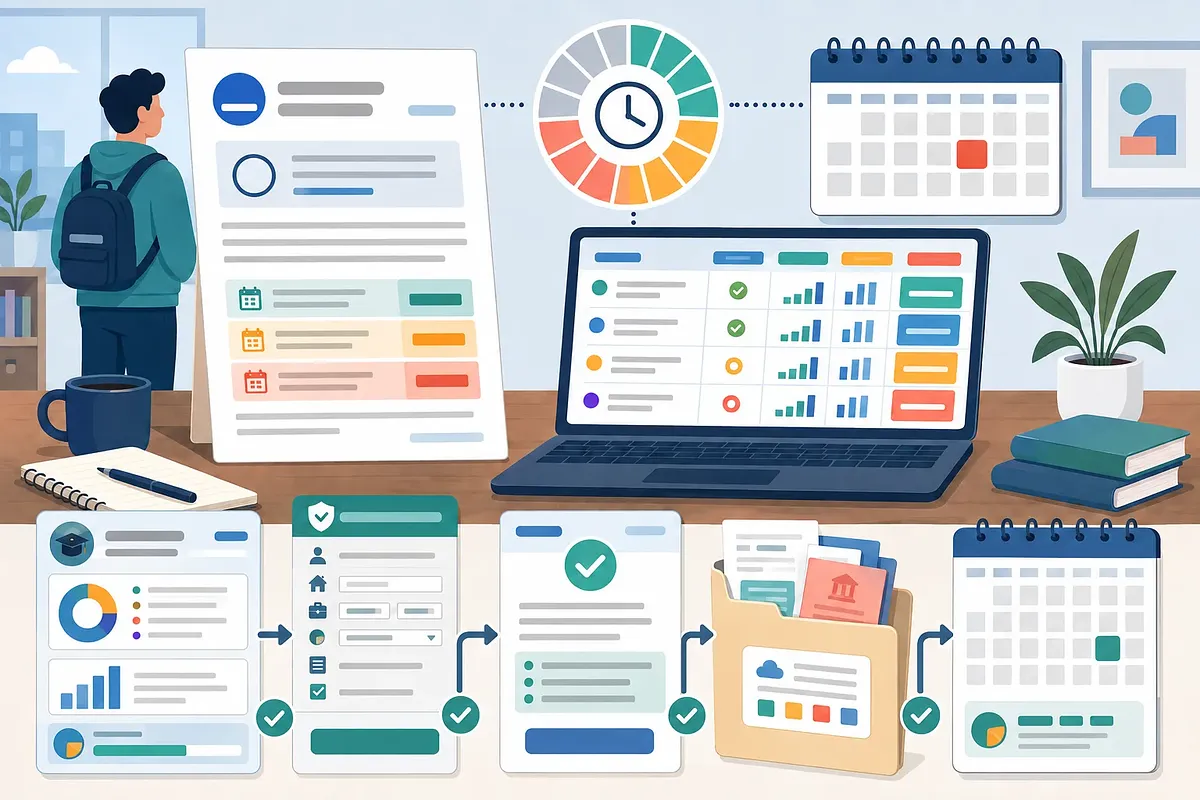
Proceed in order, from reviewing the notice to retaining proof of submission. Do not simply submit the application and close your account. You must confirm the plan actually applied and the first billing date.
- Find the notice. Check your email and mailbox. Also open any secure messages in your servicer account.
- Record your individualized deadline. Save both the notice date and the stated deadline. Set a separate calendar reminder as well.
- Cross-check your loan information. Review the loan list on StudentAid.gov. Also compare the balances and statuses in your servicer account.
- Compare the plans for which you are shown as eligible. Check estimated monthly amounts in Loan Simulator. Also review the repayment period and estimated total interest.
- Apply through the official channel. If you are eligible to apply for IDR, submit the application through StudentAid.gov. For other plans, follow the procedure provided by the servicer.
- Save the submission record. Keep the completion screen and confirmation number. Also retain copies of the income documentation you submitted.
- Track the processing status. Confirm that the plan you applied for appears in your account. Also check the payment amount and due date on the first bill.
The servicer may request additional documentation. Respond to any request for supplemental information within the stated period. If you received instructions only by phone, confirm them again through an account message.
Comparing RAP, IBR, and Standard Plans
The method used to calculate monthly payments differs by plan. RAP and IBR take income-related factors into account. Standard plans are calculated primarily according to the balance and repayment period.
| Plan | Factors affecting the monthly payment | What to check before applying |
|---|---|---|
| Repayment Assistance Plan(RAP) | Adjusted gross income bracket and dependent-related information | Confirm that it appears in your account as an eligible option |
| Income-Based Repayment(IBR) | Discretionary income, family size, and the percentage based on when you first borrowed | Confirm the loan type and whether the new-borrower criteria apply |
| Standard Plan | Loan balance, interest rate, and repayment period | A reduction in income is not automatically reflected in the payment amount |
| Tiered Standard Plan | Tiered payment structure and loan terms | Check later payment amounts rather than looking only at the initial payment |
The IBR payment calculation method and cap should be confirmed in the official IBR guidance.
Check the exact RAP amount on the official application screen. Income brackets and dependent information may be reflected in the calculation. Not all SAVE borrowers will receive the same options.
Automatic assignment is not a process that identifies the least expensive plan. It may not fully account for an individual’s income and family size. This is why you must compare plans yourself before the deadline.
Summary by Circumstance
The plans available to you vary according to your loan history. If any of the following conditions apply, the outcome may differ from that of a typical SAVE borrower.
| Current circumstance | What to check | Next action |
|---|---|---|
| Holds regular Direct Loans | Eligible plans shown, such as RAP and IBR | Compare Loan Simulator results and then apply |
| Includes Parent PLUS | IDR eligibility restrictions and consolidation history | Review the official detailed loan records first |
| Holds a consolidation loan | Types of loans held before consolidation | Ask the servicer for the basis of the eligibility determination |
| In default | Whether an application for a regular repayment plan is allowed | Ask about resolving the default first |
| Uses multiple servicers | Notices and processing status for each servicer | Confirm the deadline and application status in each account |
| Income recently decreased | Difference between tax return information and current income | Check what alternative income documentation is allowed |
Do not select a plan arbitrarily if it does not appear on the official application screen. Eligibility is determined by loan type and borrowing history. If anything is unclear, request the basis from the servicer in writing.